Org chart
By manager or by department, with photos.

Human Resources
From the personnel file to the payslip, from location-verified check-ins to your own training academy: all of HR in one app. Employees send requests from their phone; managers approve with a tap.
Use it on its own or together with other Zenit apps.
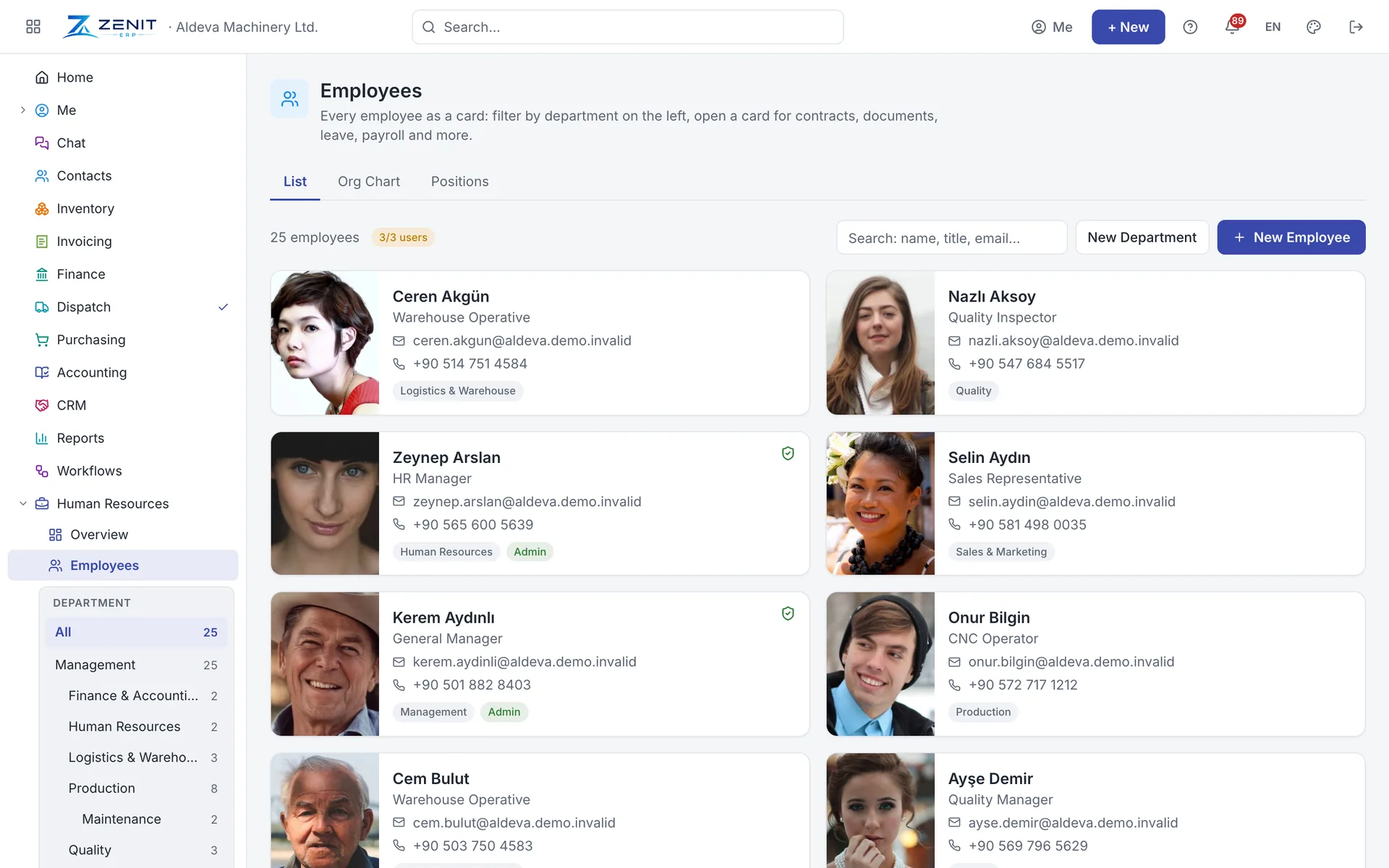
Contracts, documents, certificates, education, emergency contacts and position changes on one card. Leave, attendance, payroll, assets and expenses sit in tabs on the same card, with reminders before documents and contracts expire.
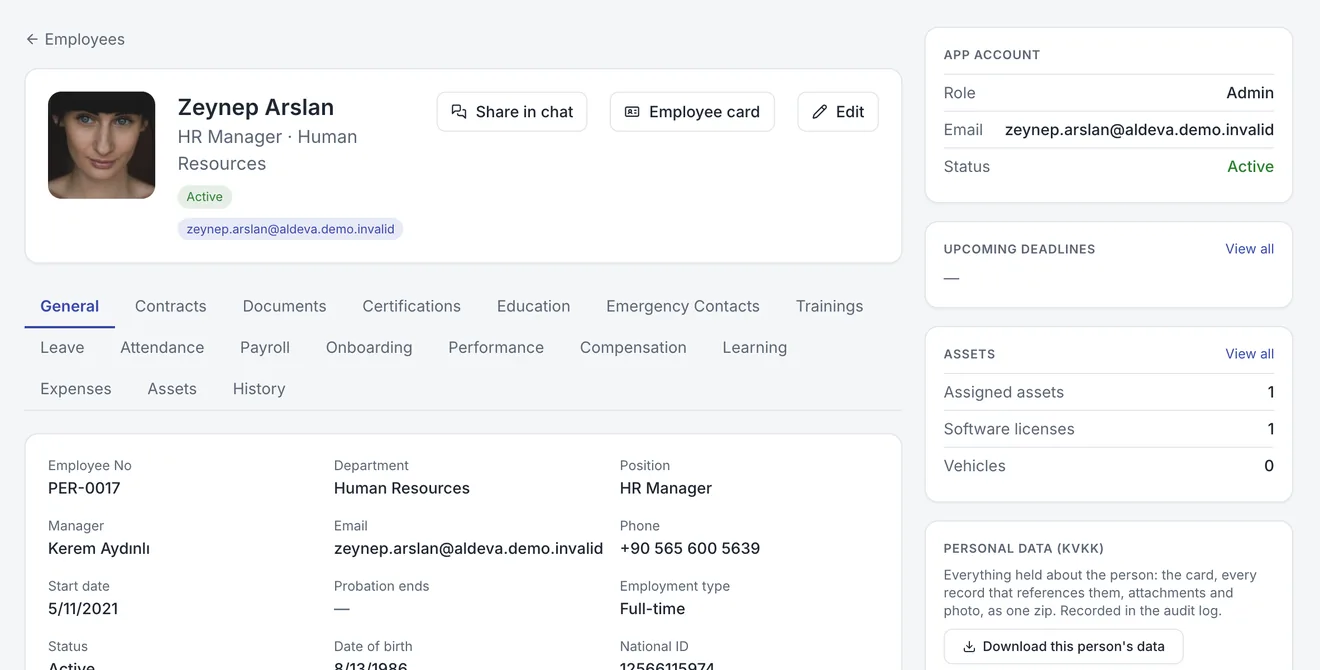
Each employee's annual entitlement and carried-over days are kept per year, and the remaining balance updates with every request. The team calendar shows who is off when, and requests land with the manager for approval.
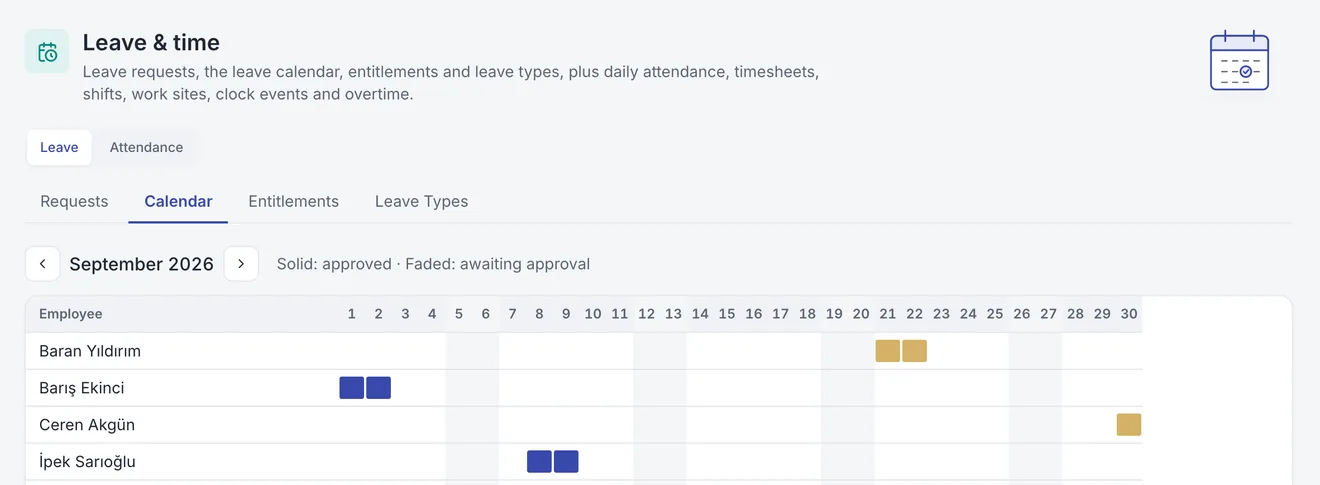
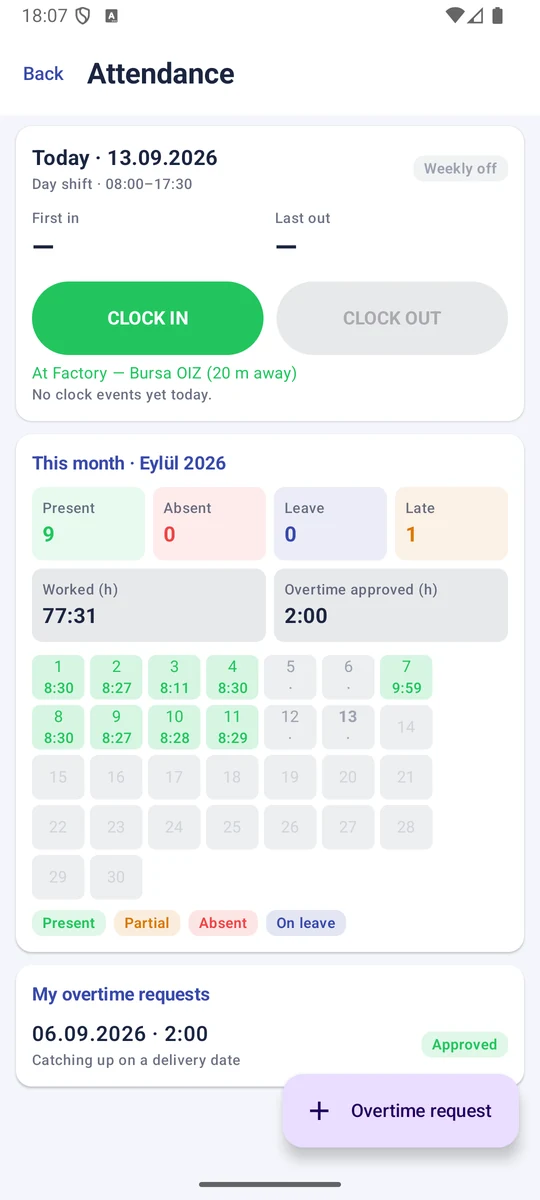
Employees check in from their phone when they arrive. Zenit compares their location with the radius of the work sites you define; check-ins from outside the site, with poor accuracy or from a spoofed location are refused. Every event records the relevant work site.
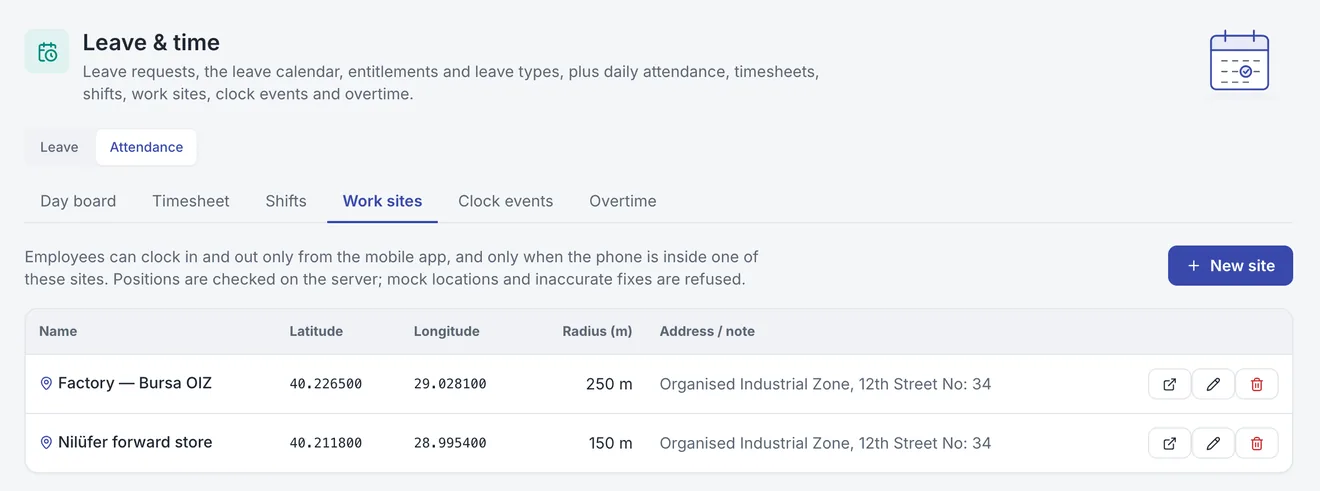
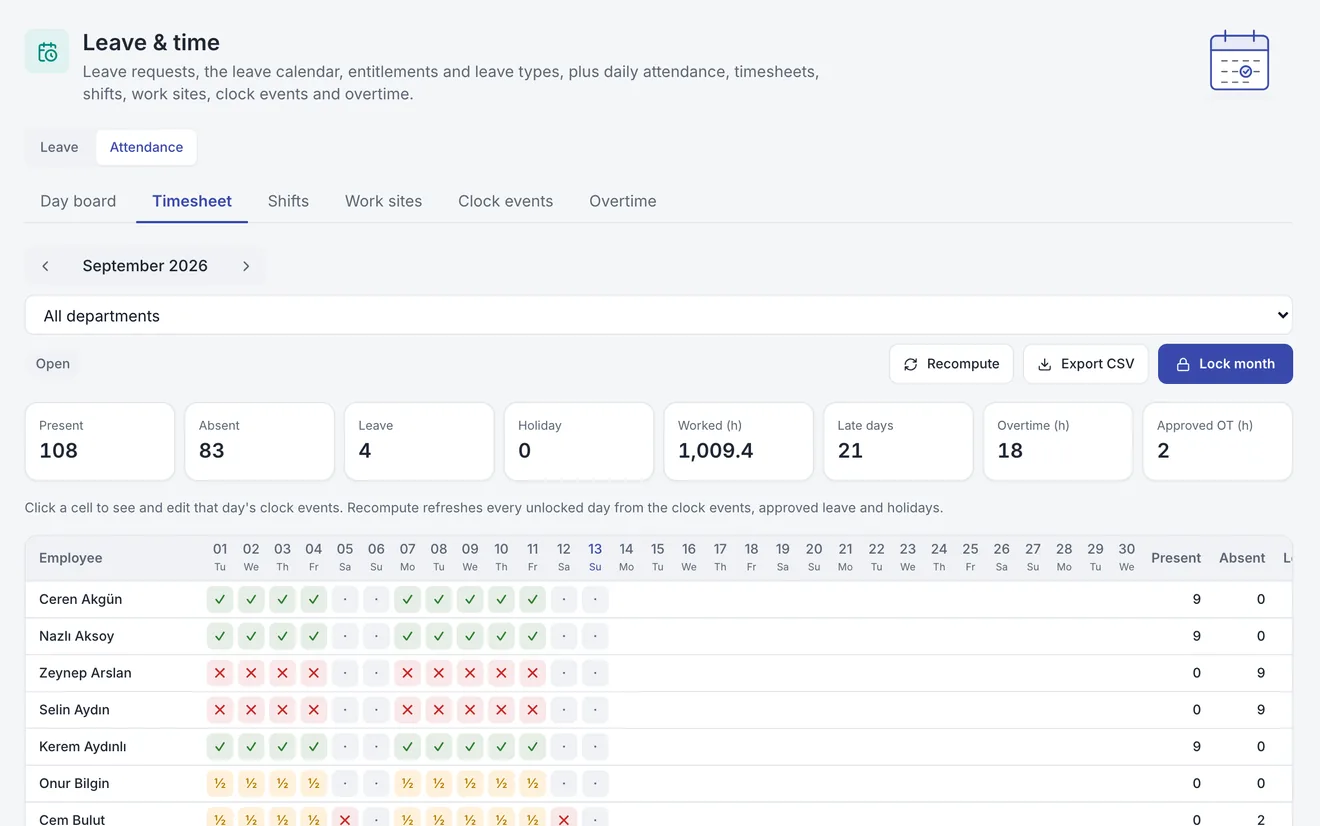
Clock events are combined with shifts and leave every day: present, absent, partial, on leave. Click a day in the monthly timesheet to see its clock events and add a missing one; when the month is done, lock the period and export it as CSV.
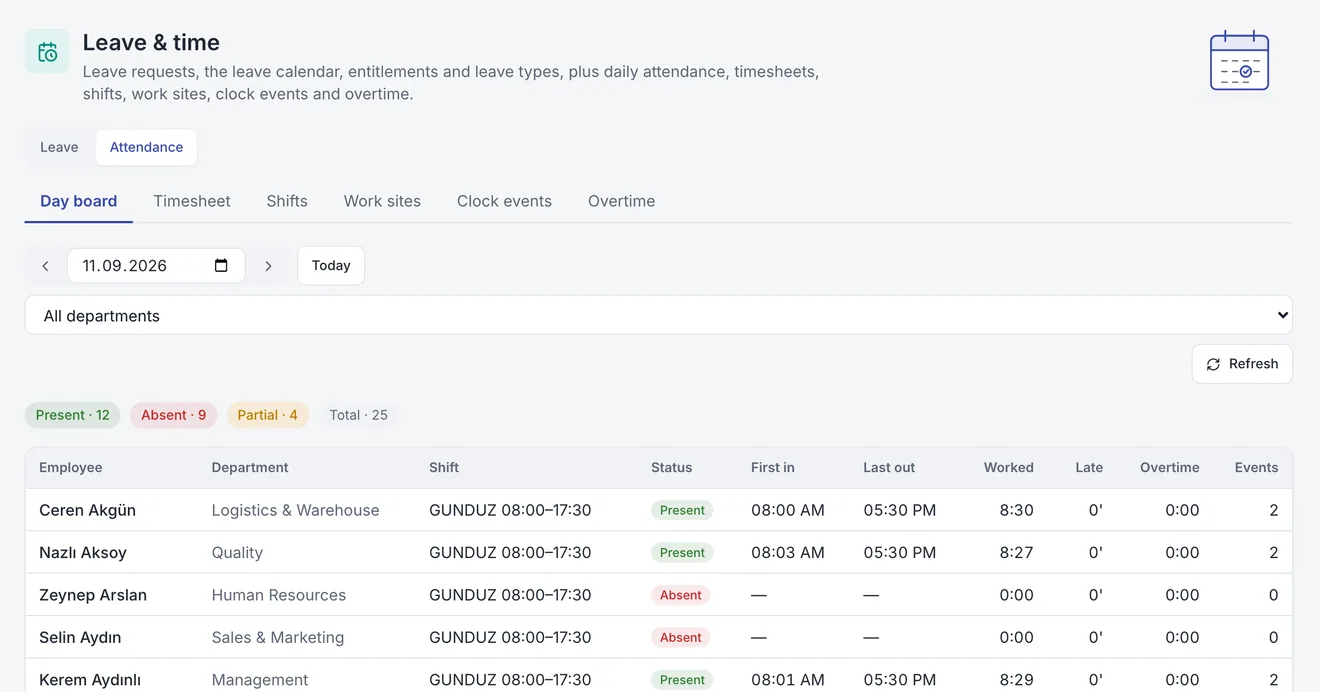
The day board shows each employee's shift, first in and last out, time worked, lateness and overtime. Present, absent and partial counts sit on top; filter by department or step back to earlier days.
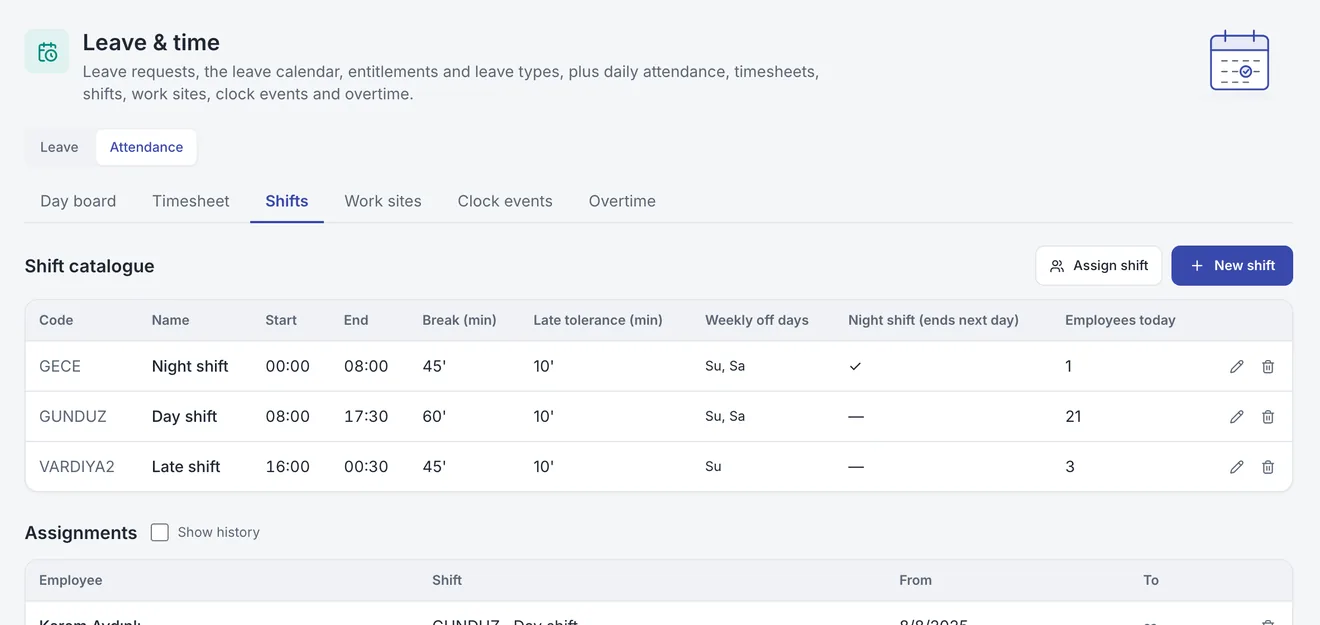
Define day, late and night shifts with breaks, a lateness tolerance and weekly days off, and assign them to employees with dates. Overtime requests go through approval; card reader exports are imported from a file, and importing the same file twice creates no duplicates.
Build courses from video, narrated slides, text and quiz lessons, or import SCORM packages. Employees resume where they left off, lessons unlock in order, and a certificate follows completion. The same player works on the phone.
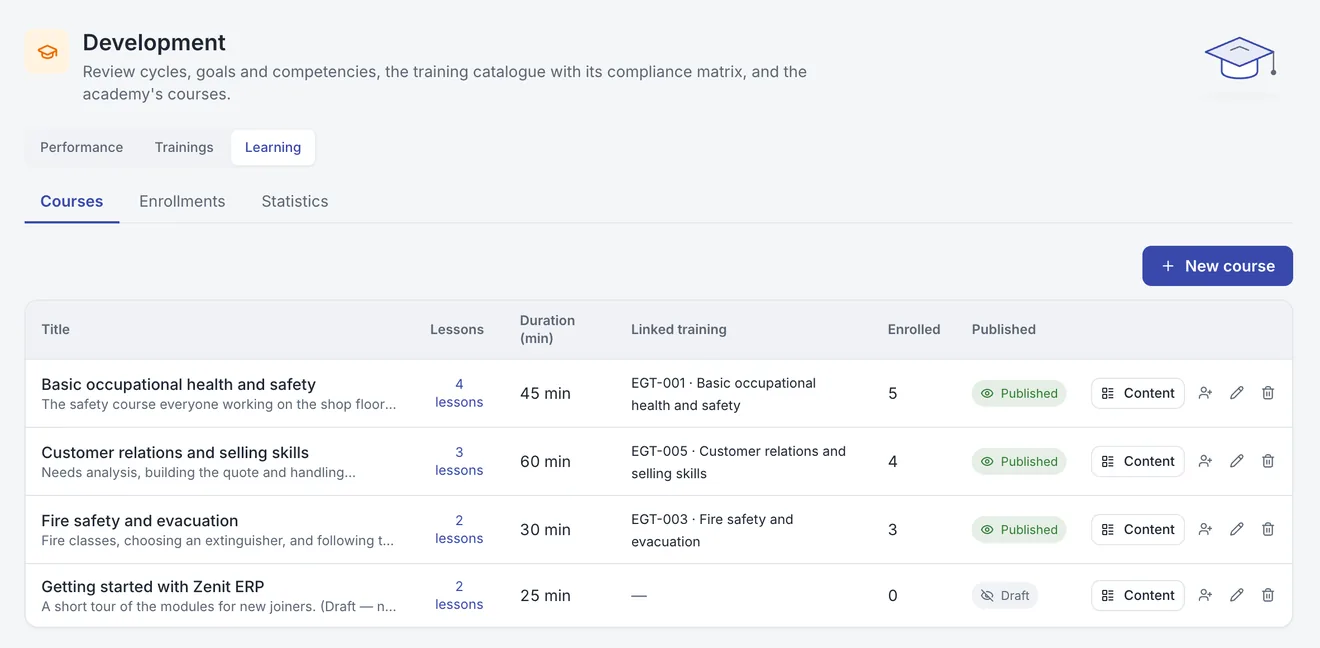
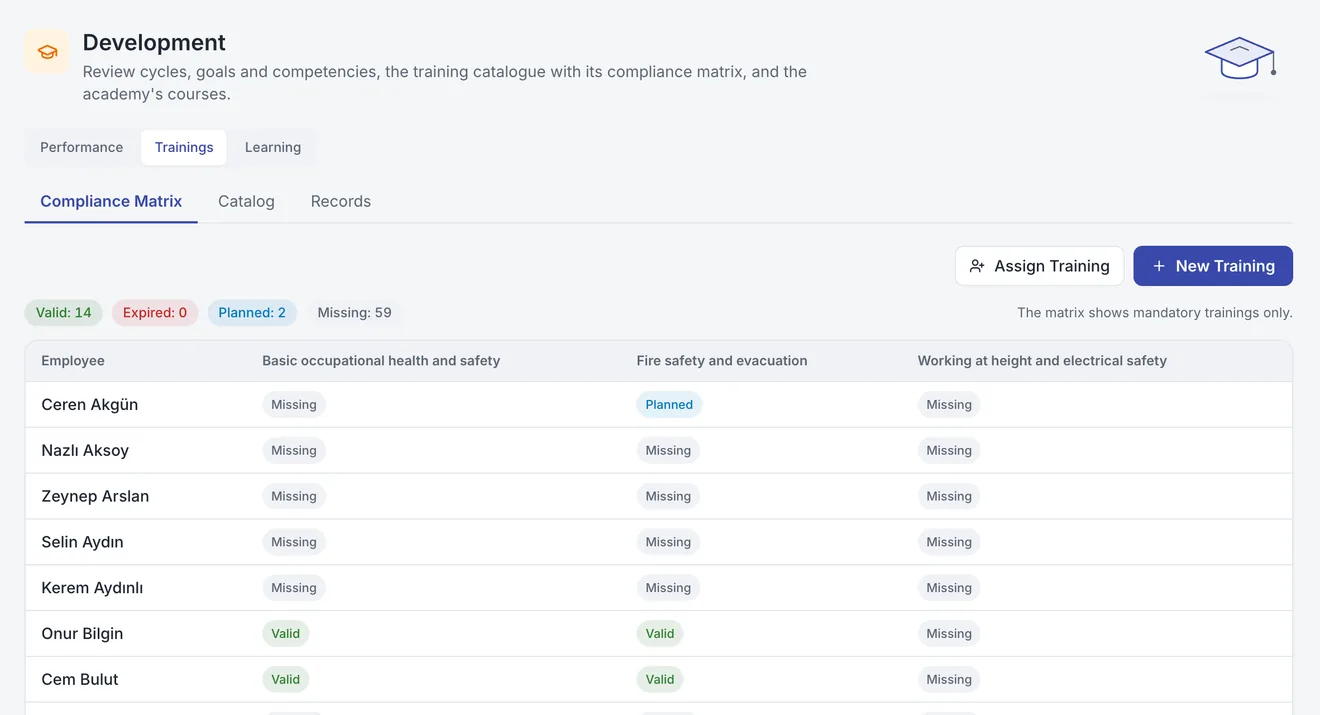
Mandatory training per employee in one matrix: valid, expired, planned or missing. Reminders arrive before a certificate runs out.
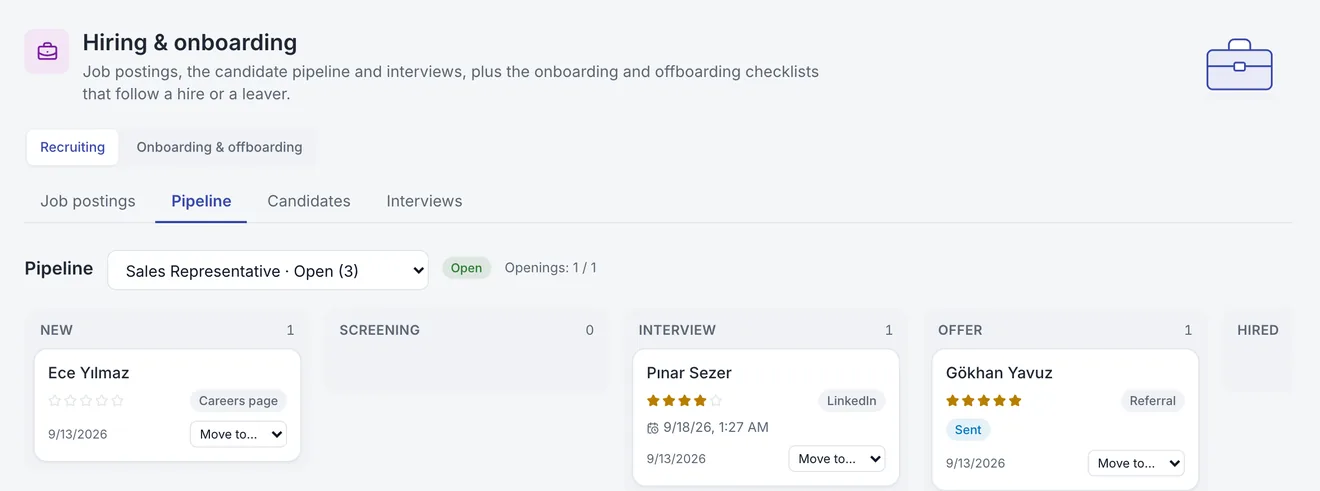
Publish openings on your careers page, move applications across the candidate board and schedule interviews. When an offer is accepted, the candidate becomes an employee in one click and the onboarding checklist opens.
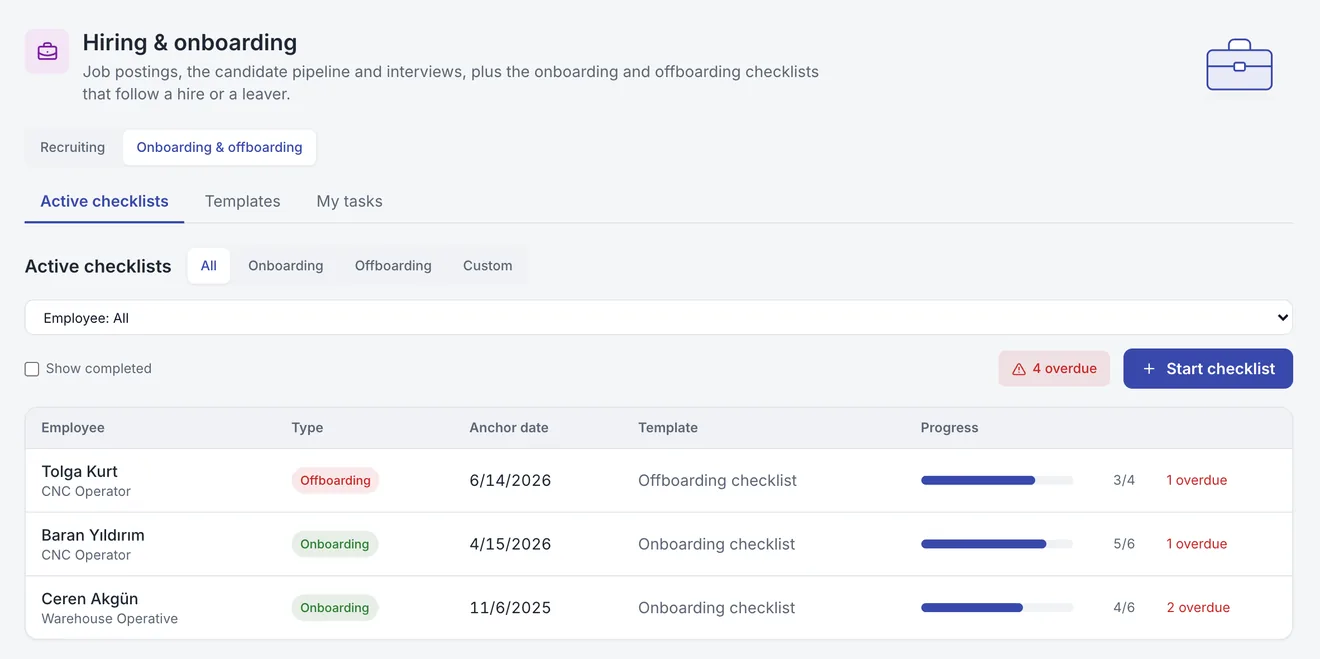
For every joiner and leaver, tasks open with an owner and a due date: accounts, training, asset returns, licence removal. Asset and licence items close themselves from the Assets data.
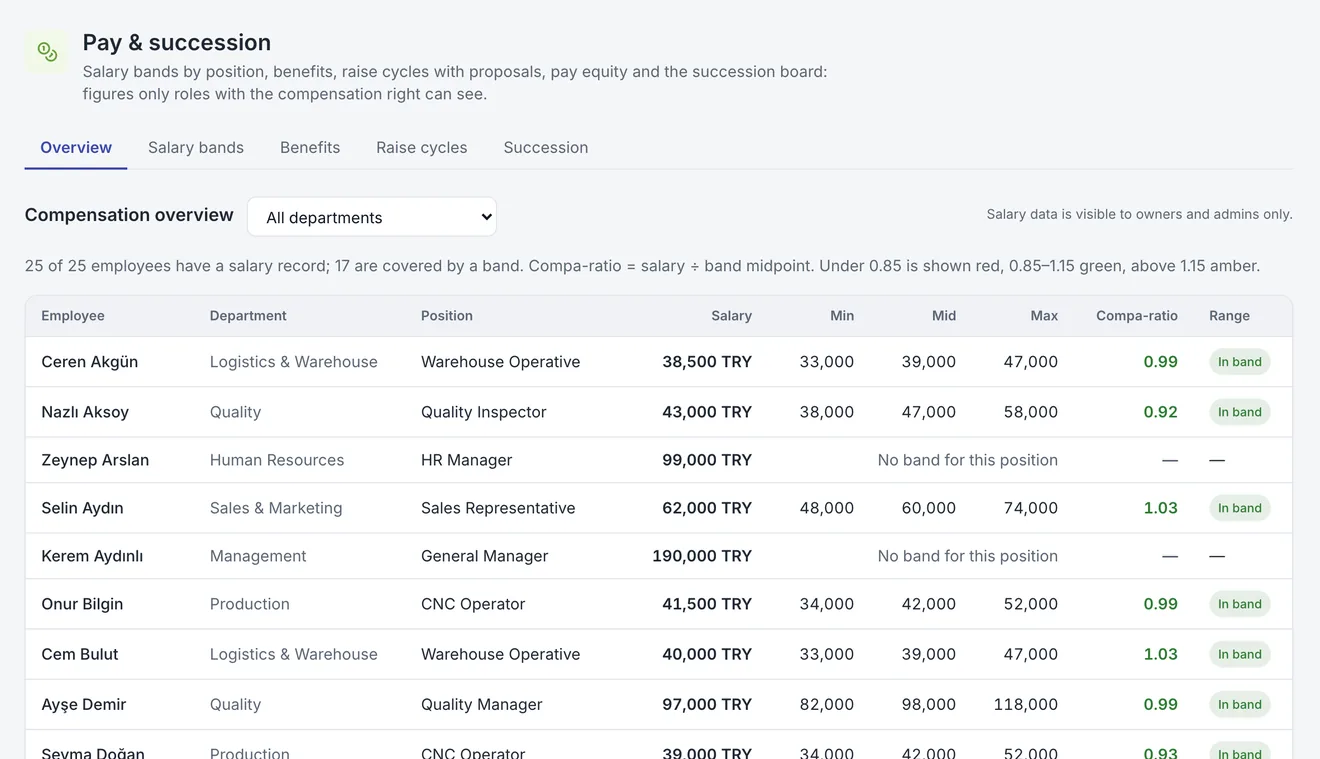
Review cycles run with manager, self, peer and upward reviews; goals and competencies live alongside. Salary bands, compa-ratio, pay equity analysis and raise cycles come together with successors for key positions.
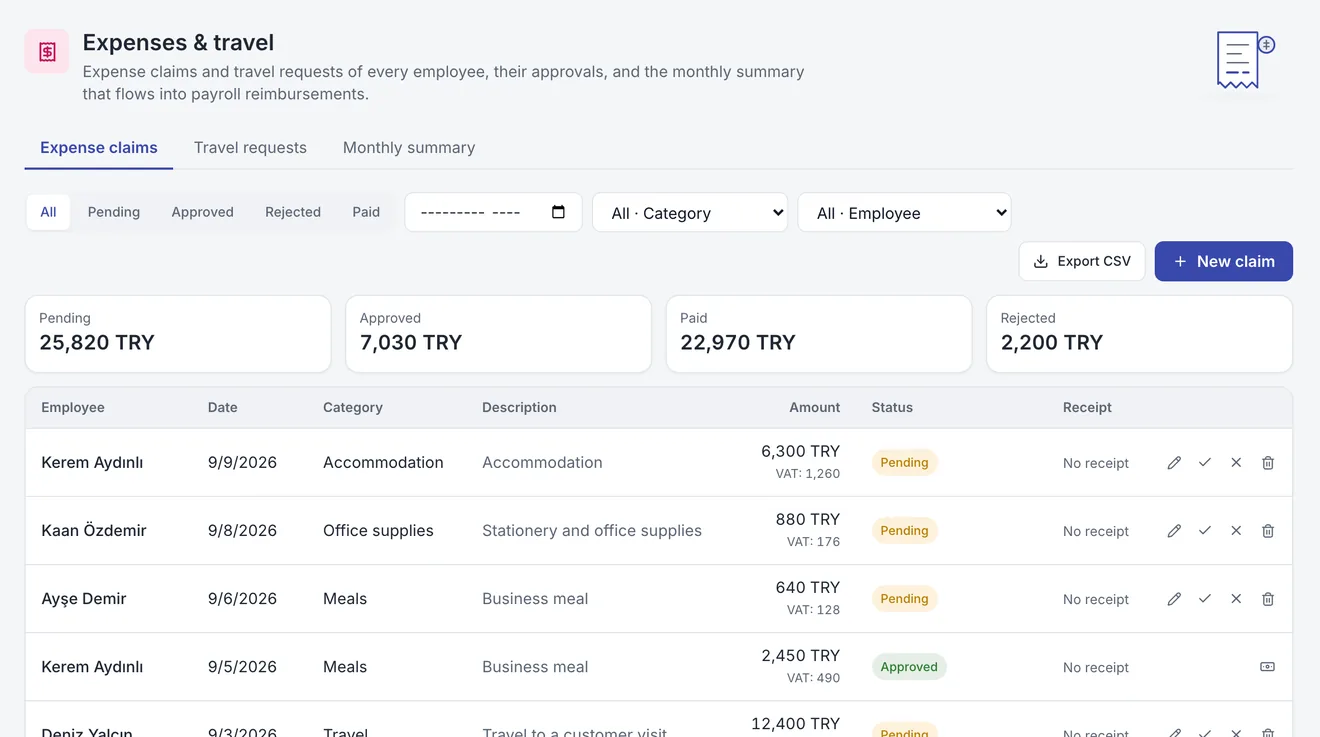
Employees photograph the receipt and submit the expense, or open a travel request with an advance. Approved expenses are paid and advances flow into payroll automatically; a monthly summary by category and employee is ready.
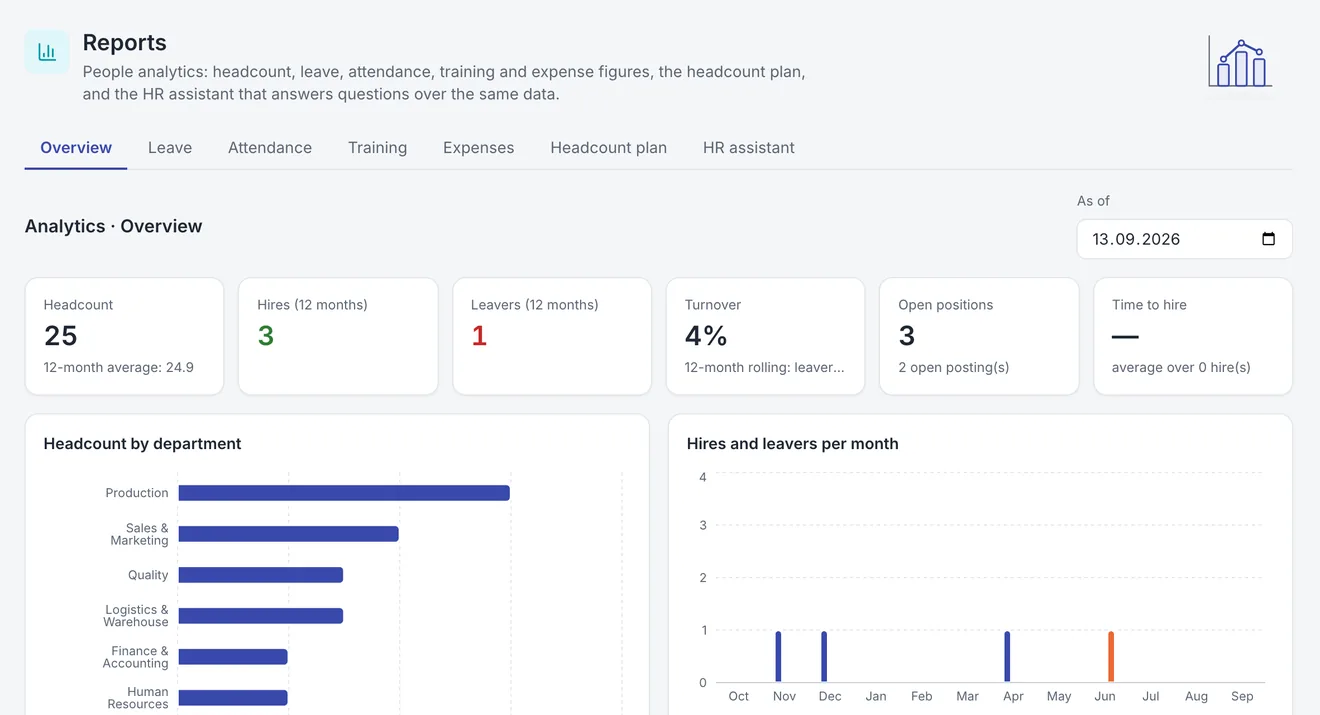
Headcount by department, position, age and tenure; hires and leavers, turnover, time to hire, leave usage, absence, training compliance and expenses on one page. Compare actuals with your headcount plan.
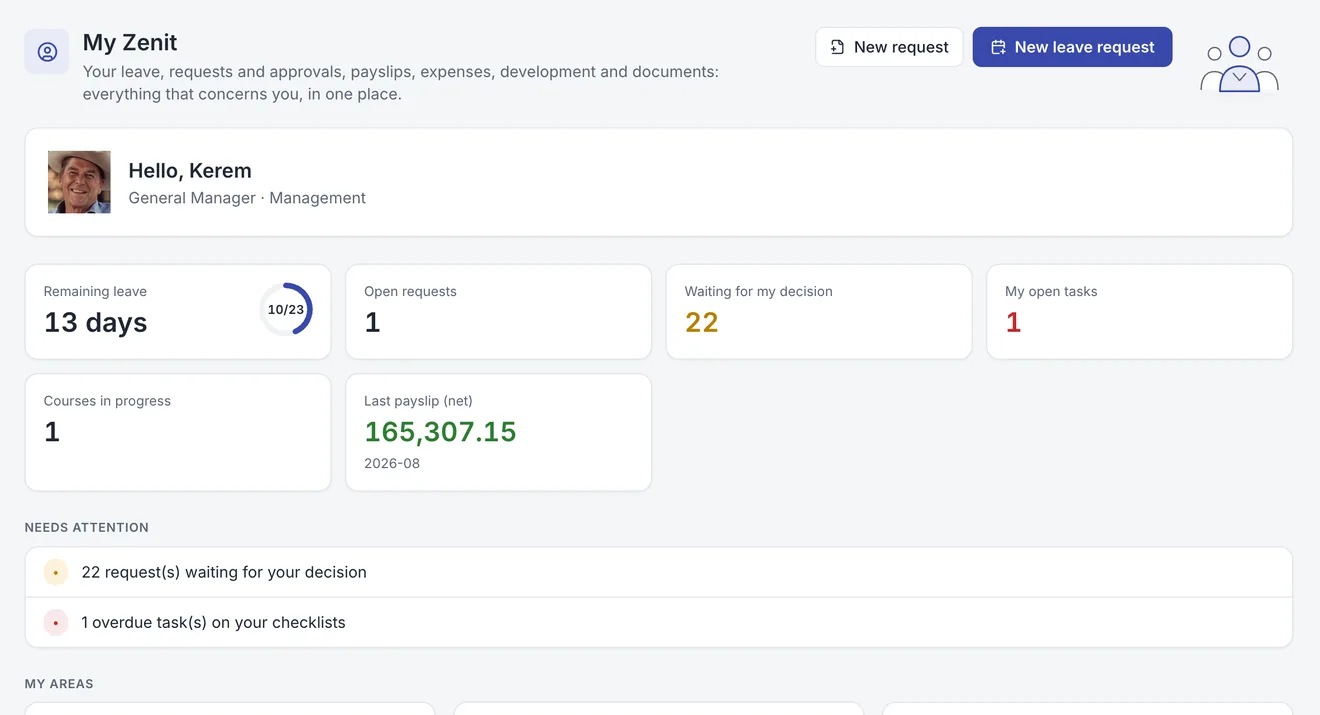
Employees see their leave balance, payslips, courses, goals, assets and documents on their own screen, and send requests from there. Managers find their team and pending approvals in one inbox. The same screens run on iPhone and Android.
Features
By manager or by department, with photos.
Position catalogue, competency profiles and salary bands.
Who to call in an emergency, on every employee card.
Ending contracts, documents, certificates and probation periods on one list.
Holidays come ready, half days included.
Who changed which employee record, and when.