Approval rules
You decide who approves above which amount.

Purchasing
Requests go through approval, approved ones become orders, and incoming goods go straight into stock. Who asked, who approved, when it arrived: all on one record.
Use it on its own or together with other Zenit apps.
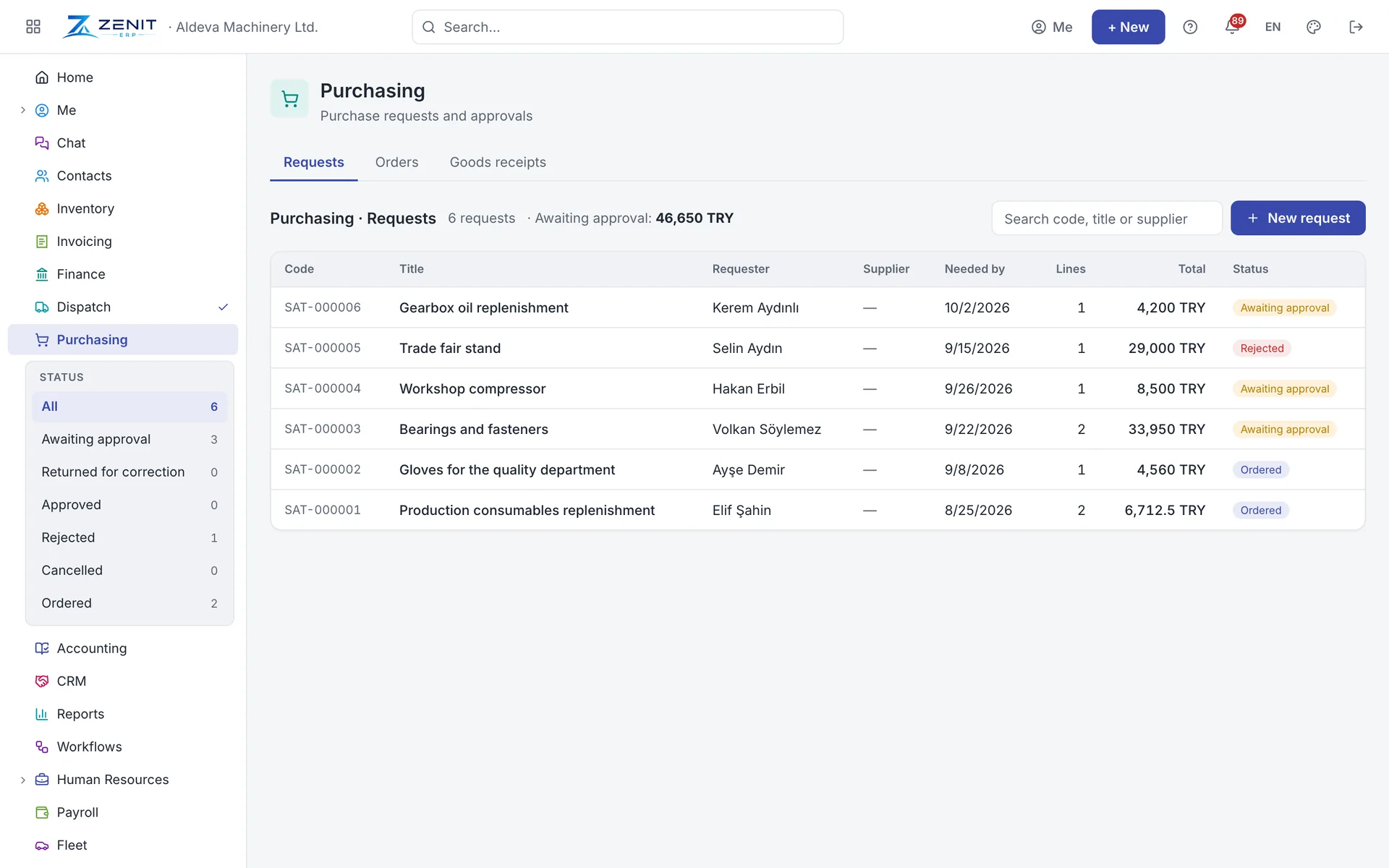
Employees enter what they need with lines and an estimated amount. Depending on the amount, the request goes to their manager or the general manager; an incomplete one is sent back for correction.
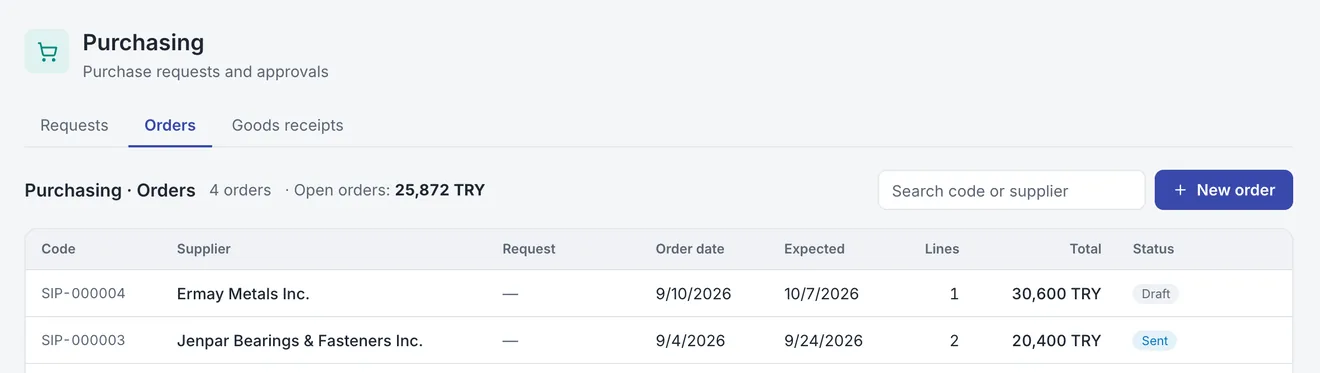
Turn an approved request into a supplier order and follow partial deliveries. The goods receipt updates stock and item cost, and the purchase price is written to the item card.
Features
You decide who approves above which amount.
Orders are kept in their own currency, with the rate.
Balance, prices and past orders on one card.
Your own prefixes and numbers for requests, orders and receipts.
Attach quotes, pro formas and delivery notes.
Open requests, pending orders and purchases by supplier.